> ## Documentation Index
> Fetch the complete documentation index at: https://docs.fabi.ai/llms.txt
> Use this file to discover all available pages before exploring further.
# Secret manager
> Storing and managing sensitive secrets and keys in Fabi.ai.
# Overview
Data privacy and security starts with safekeeping of sensitive secrets and keys. Whether you're using API keys or tokens, handling these properly is critical.
Our vault ensures that your keys stay private to you and don't get shared with anyone else.
# Storing keys and secrets
**Important**: As of May 2025, secrets are available to all Builders in your organization.
Simply navigate to **Settings** > **Secrets**.
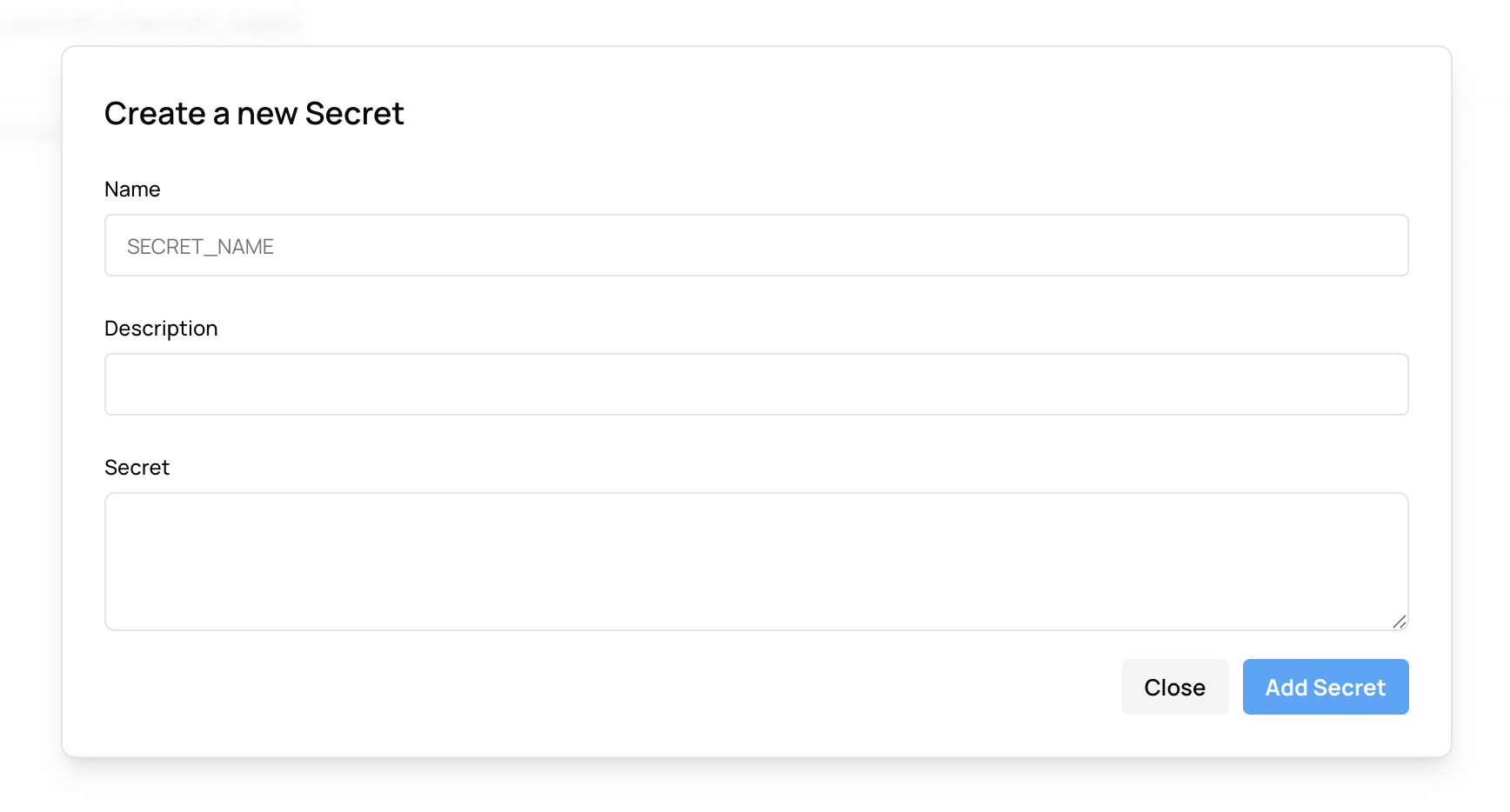
To save your first secret, click on **+ Add Secret**.
Then:
1. Under **Name**, put in the name you want to use for your secret (eg. `SLACK_TOKEN`)
2. Optionally include a description under **Description**
3. Copy/paste your secret under **Secret** then click **Add Secret**
 # Using secrets
Once you've saved a key or secret, to use it, you can reference it in any cell following this convention: `fabi.secret.MY_SECRET`.
Here's an example using a secret to store a key for the Polygon.io API:
```python theme={null}
def get_stock(api_key):
url = f"https://api.polygon.io/v2/aggs/ticker/AAPL/range/1/day/2025-04-01/2025-05-15?apiKey={api_key}&sort=asc"
data = requests.get(url).json().get('results', [])
df = pd.DataFrame(data)
if not df.empty:
df['date'] = pd.to_datetime(df['t'], unit='ms')
df = df[['date', 'c']]
df.columns = ['date', 'price']
return df
# Using the existing API key
api_key = fabi.secret.POLYGON_KEY
stock = get_stock(stock)
display(stock)
```
# Using secrets
Once you've saved a key or secret, to use it, you can reference it in any cell following this convention: `fabi.secret.MY_SECRET`.
Here's an example using a secret to store a key for the Polygon.io API:
```python theme={null}
def get_stock(api_key):
url = f"https://api.polygon.io/v2/aggs/ticker/AAPL/range/1/day/2025-04-01/2025-05-15?apiKey={api_key}&sort=asc"
data = requests.get(url).json().get('results', [])
df = pd.DataFrame(data)
if not df.empty:
df['date'] = pd.to_datetime(df['t'], unit='ms')
df = df[['date', 'c']]
df.columns = ['date', 'price']
return df
# Using the existing API key
api_key = fabi.secret.POLYGON_KEY
stock = get_stock(stock)
display(stock)
```